Today
Finds out three weeks after export, via a senior’s markup, that two ducts never got connected.
With Structured AI
Checks run in the model as they work. Each finding navigates straight to the element, so the exported set is already clean.
Revit, AutoCAD and Civil 3D
No re-entry. No hunting. Structured AI checks the model against the drawing set, inside your design software, and surfaces every finding where it was made, leaving the judgment to your reviewers.
 Revit
 AutoCAD
 Civil 3D
QC where your drawings are born, in Revit, AutoCAD and Civil 3D
For most firms, design happens in Revit, AutoCAD or Civil 3D, but the review happens on the issued PDF set: issues get clouded, emailed around, and re-entered into the model by hand. Structured AI checks the PDF set and the model against each other, runs its checks on the live model or drawing inside your design software, and puts every finding where it was made, so the errors reach your reviewers instead of the field. Nothing changes until someone approves it.
Today, every engineer and architect without Structured AI works like this
Structured AI changes this
20 min
to review a full drawing set, not hours or days. Every sheet gets the same pass
9 in 10
findings triaged by client engineers are confirmed and fixed, not noise
6×
fewer issues reach the field, where each one becomes an RFI or a change order
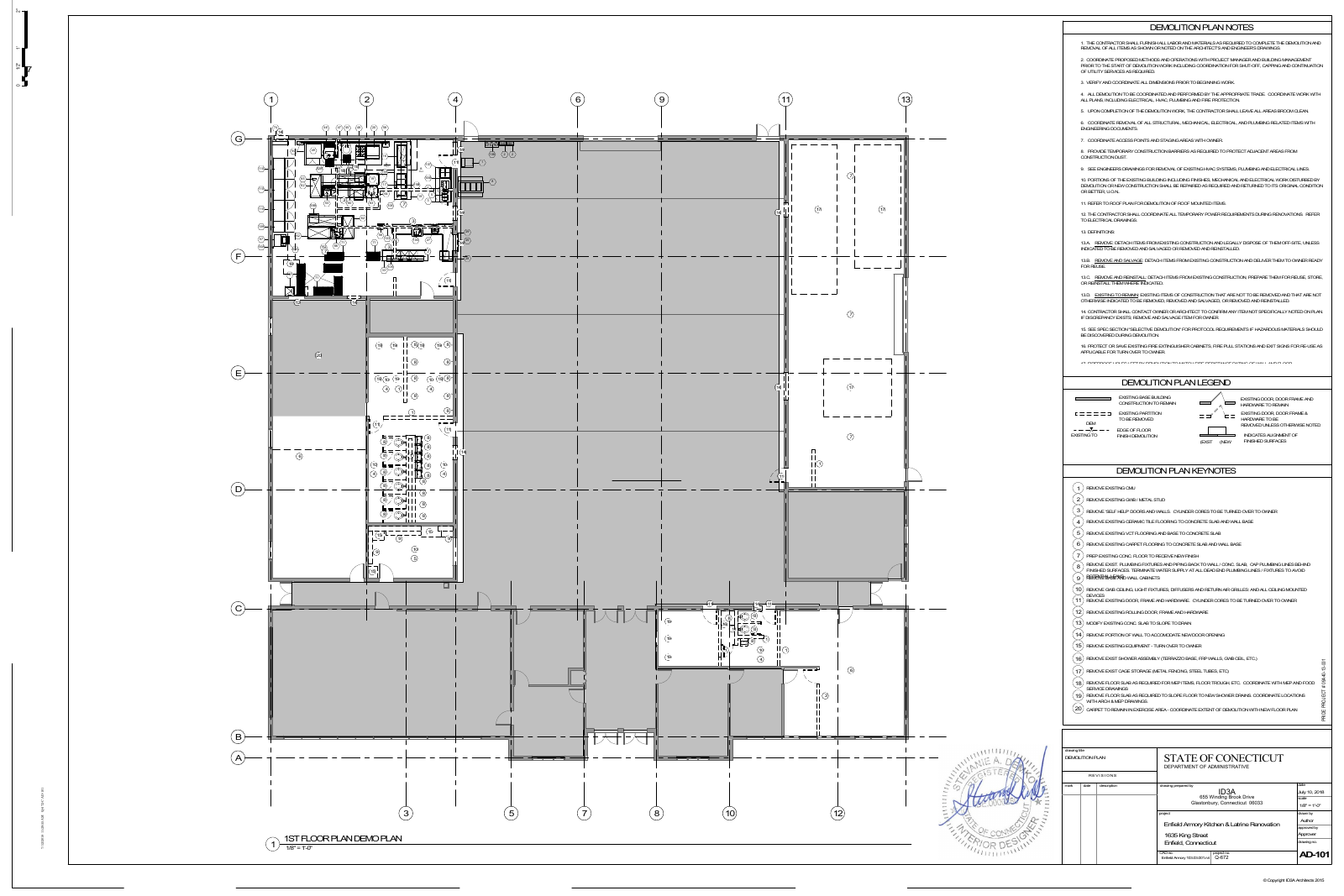
The issued set is what gets built from; the model is where the design lives. Structured AI reads both: computer vision on the actual sheets, and native code against the Revit, AutoCAD and Civil 3D APIs for every parameter, tag, schedule, alignment and pipe network, across your linked architectural, structural, MEP and civil models.
Where the two disagree, that is a finding. A sheet that says one thing while the model says another is caught at review, tied to the exact sheet and the exact element, instead of turning up on site.
The plugins put the full platform inside Revit, AutoCAD and Civil 3D: the same check library, code compliance, takeoff, compare versions, clash review and custom checks, all run against the live model or drawing. Every result is a pass, a fail or an item to verify, and links to its element, so a click takes you there.
When a fix is approved, it lands in the model or drawing: spelling, tags, schedule values, labels, revision clouds. Then the clean set goes out. In one client run, the agent traversed 5,000 HVAC connectors in 30 seconds and found multiple disconnected ducts.
6/6 done · 0 running · 0 pending · elapsed 0m 30s
Today
Finds out three weeks after export, via a senior’s markup, that two ducts never got connected.
With Structured AI
Checks run in the model as they work. Each finding navigates straight to the element, so the exported set is already clean.

Copyright 2026 Structured AI. All rights reserved.